Resources for Plant & Facility Operators

Resources

Find useful resources for plant and facility operators here. Our central hub for event notifications, blog updates, videos, educational tips, and more.

Operator10 formulas for sums

Operator10 Formulas for Sums & Averages (Ignore Blanks)

Don’t let missing data break your math. Operator10 formulas with SUM() and AVERAGE() return correct totals and means even when some readings are blank.
Antero calendar and dashboard

Antero calendar and dashboard: plan the week at a glance

Antero calendar and dashboard make planning visual. See scheduled (red) and unplanned (green) work at a glance, drag to change due dates, add events like OOO, and save your layout. Build a dashboard with named, color-coded tiles for the KPIs you track.
Operator10 meter formulas

Operator10 meter formulas: usage, rollovers, and units

Convert totalizer readings to daily usage, set an offset to write to yesterday, handle rollovers automatically, and convert to the units you track—all with Operator10 meter formulas.
Operator10 training

The Operator’s Edge (April 23–24, 2026): Operator10 Training

The Operator’s Edge brings two days of hands-on Operator10 training to Chicago on April 23–24, 2026. Learn dashboards, data entry, DataViews, reporting, charts, and formulas—plus Q&A and one-on-one help. Budget for seats now to avoid the spring scramble.
Antero work templates

Antero work templates: copy, attach forms, and schedule the right way

Antero work templates help standardize PMs: write once, reuse with Add Similar, attach standard forms, and pick Calendar, Days in Service, or instrument-based scheduling. Operators see the same clear instructions on every asset.
Operator10 formulas

Operator10 formulas: the basics—create, attach, test

Learn how to create a parameter, attach an Operator10 formula with the picker, test it with real or sample values, round if needed, and set calculation order to avoid “calc twice.”
Antero work management

Antero work management: forecast, distribute, review, and archive

Antero work management covers the whole cycle: create scheduled work, forecast what’s coming, distribute by user or group, review completed jobs, and move them to history. Use saved views in Work History for quick reporting and audits.
Operator10 charts

Operator10 charts: turn daily readings into decisions faster

Operator10 charts build directly from your DataViews. Add constant lines for targets, use formulas for context, and apply linear regression to spot drift—so operators go from entry to insight without exporting data.
Antero grid layouts

Antero grid layouts: save time with custom views in Equipment, Work, and Parts

Antero grid layouts help you organize Equipment, Work, History, and Parts the way you work. Group and filter columns, add fields via Column Chooser, auto-size with Best Fit, and save your layout as the default. Create work orders from assets, retire equipment without losing history, and clone similar records to stay consistent.
Operator10 Form Editor

Operator10 Form Editor: Finish State Reports Without Spreadsheets

Operator10 Form Editor helps water and wastewater teams finish state reports without spreadsheets. Map DataViews to form fields, apply calculations, use parameter limits to flag issues, and export in electronic formats. The same data powers entry, review, and reporting—so submissions are faster and cleaner.
Antero work forecasting

Antero Work Forecast: Look ahead and create work orders before they’re due

Antero Work Forecast lets maintenance teams see upcoming scheduled work and create the work orders ahead of time. Filter by date, group, or asset, then build and distribute work so crews can prep parts and balance the week. Less scrambling, more control.
Operator10 Sampling Events

Operator10 Sampling Events: Consistent Lab Data in One Place

Operator10 Sampling Events make lab data consistent and reusable. Record sample details and results once, then use the same data in DataViews, charts, and reporting—no copy-paste. Ideal for water and wastewater teams that want faster reviews and cleaner submissions without juggling spreadsheets.
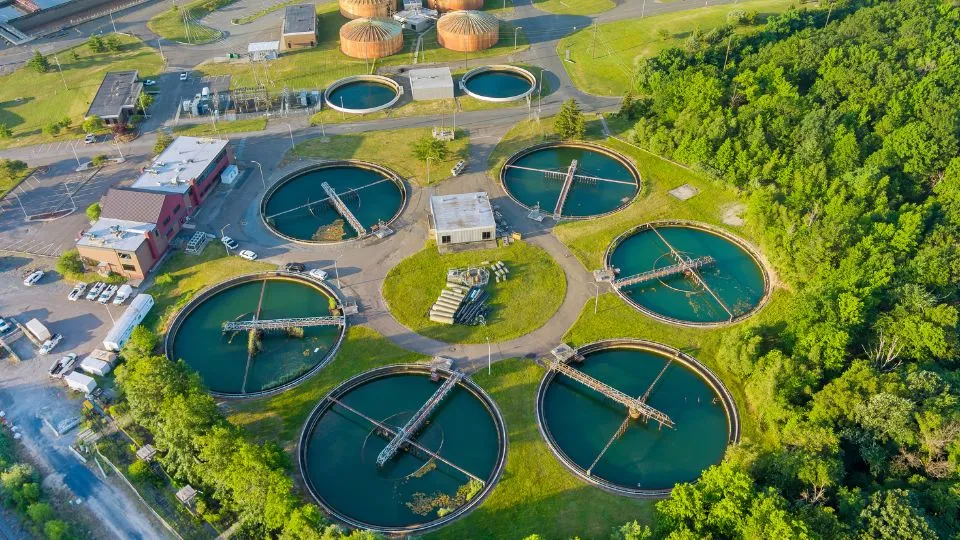
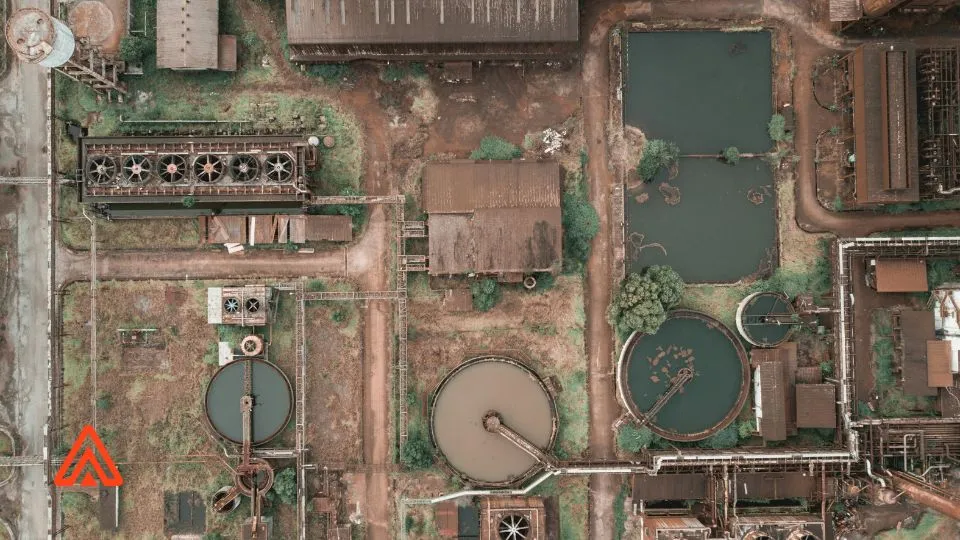
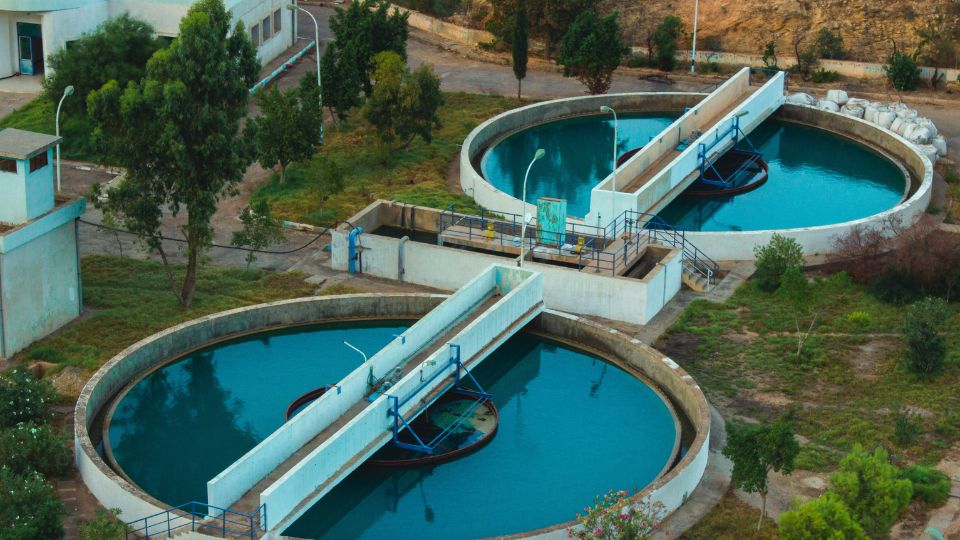
Overhead view of water treatment facility

Antero work order scheduling options: understand the choices

Antero work order scheduling defines when templates generate work. Learn how Days in Service, Instruments, Calendar, and Out of Service behave—and what each option needs to run.
Operator10 LIMS and SCADA data import: bring plant data into one place

Operator10 LIMS and SCADA Data Import: See Plant Data in One Place

Operator10 LIMS and SCADA data import pulls lab and control-room readings into one database. Enter once, chart once, report once—without spreadsheets.
Antero calendar planning

Antero Calendar Planning for Water & Wastewater Teams

Antero calendar planning helps operators assign work, see color-coded status, and schedule recurring maintenance so nothing slips.
Operator10 permit limits and calculated values

Operator10 Permit Limits & Calculated Values: Flag Issues Fast

Operator10 permit limits and calculated values let you set targets once, calculate removals and ratios beside raw data, and catch exceptions before reporting.
Antero CMMS calendar planning and mobile work orders

Antero CMMS calendar planning and mobile work orders: parts, POs, and reporting that keep work moving

Antero CMMS calendar planning and mobile work orders give operators a clear path to assign work, balance the week, keep parts/POs ready, and pull fast reports.
Operator10 Dataviews Reporting

Operator10 DataViews for Faster Reporting

Operator10 DataViews put plant data on one clear screen. Bring in LIMS, SCADA, or Historian readings once, build a simple view, chart trends, and send the same numbers to state report forms—no copy-paste.
Operator10 formulas for sums

Operator10 Formulas for Sums & Averages (Ignore Blanks)

Don’t let missing data break your math. Operator10 formulas with SUM() and AVERAGE() return correct totals and means even when some readings are blank.
Antero calendar and dashboard

Antero calendar and dashboard: plan the week at a glance

Antero calendar and dashboard make planning visual. See scheduled (red) and unplanned (green) work at a glance, drag to change due dates, add events like OOO, and save your layout. Build a dashboard with named, color-coded tiles for the KPIs you track.
Operator10 meter formulas

Operator10 meter formulas: usage, rollovers, and units

Convert totalizer readings to daily usage, set an offset to write to yesterday, handle rollovers automatically, and convert to the units you track—all with Operator10 meter formulas.
Antero work templates

Antero work templates: copy, attach forms, and schedule the right way

Antero work templates help standardize PMs: write once, reuse with Add Similar, attach standard forms, and pick Calendar, Days in Service, or instrument-based scheduling. Operators see the same clear instructions on every asset.
Operator10 formulas

Operator10 formulas: the basics—create, attach, test

Learn how to create a parameter, attach an Operator10 formula with the picker, test it with real or sample values, round if needed, and set calculation order to avoid “calc twice.”
Antero work management

Antero work management: forecast, distribute, review, and archive

Antero work management covers the whole cycle: create scheduled work, forecast what’s coming, distribute by user or group, review completed jobs, and move them to history. Use saved views in Work History for quick reporting and audits.
Operator10 charts

Operator10 charts: turn daily readings into decisions faster

Operator10 charts build directly from your DataViews. Add constant lines for targets, use formulas for context, and apply linear regression to spot drift—so operators go from entry to insight without exporting data.
Antero grid layouts

Antero grid layouts: save time with custom views in Equipment, Work, and Parts

Antero grid layouts help you organize Equipment, Work, History, and Parts the way you work. Group and filter columns, add fields via Column Chooser, auto-size with Best Fit, and save your layout as the default. Create work orders from assets, retire equipment without losing history, and clone similar records to stay consistent.

Operator10 Form Editor

Operator10 Form Editor: Finish State Reports Without Spreadsheets

Operator10 Form Editor helps water and wastewater teams finish state reports without spreadsheets. Map DataViews to form fields, apply calculations, use parameter limits to flag issues, and export in electronic formats. The same data powers entry, review, and reporting—so submissions are faster and cleaner.
Antero work forecasting

Antero Work Forecast: Look ahead and create work orders before they’re due

Antero Work Forecast lets maintenance teams see upcoming scheduled work and create the work orders ahead of time. Filter by date, group, or asset, then build and distribute work so crews can prep parts and balance the week. Less scrambling, more control.
Operator10 Sampling Events

Operator10 Sampling Events: Consistent Lab Data in One Place

Operator10 Sampling Events make lab data consistent and reusable. Record sample details and results once, then use the same data in DataViews, charts, and reporting—no copy-paste. Ideal for water and wastewater teams that want faster reviews and cleaner submissions without juggling spreadsheets.
Overhead view of water treatment facility

Antero work order scheduling options: understand the choices

Antero work order scheduling defines when templates generate work. Learn how Days in Service, Instruments, Calendar, and Out of Service behave—and what each option needs to run.
Operator10 LIMS and SCADA data import: bring plant data into one place

Operator10 LIMS and SCADA Data Import: See Plant Data in One Place

Operator10 LIMS and SCADA data import pulls lab and control-room readings into one database. Enter once, chart once, report once—without spreadsheets.
Antero calendar planning

Antero Calendar Planning for Water & Wastewater Teams

Antero calendar planning helps operators assign work, see color-coded status, and schedule recurring maintenance so nothing slips.
Operator10 permit limits and calculated values

Operator10 Permit Limits & Calculated Values: Flag Issues Fast

Operator10 permit limits and calculated values let you set targets once, calculate removals and ratios beside raw data, and catch exceptions before reporting.
Antero CMMS calendar planning and mobile work orders

Antero CMMS calendar planning and mobile work orders: parts, POs, and reporting that keep work moving

Antero CMMS calendar planning and mobile work orders give operators a clear path to assign work, balance the week, keep parts/POs ready, and pull fast reports.
Operator10 Dataviews Reporting

Operator10 DataViews for Faster Reporting

Operator10 DataViews put plant data on one clear screen. Bring in LIMS, SCADA, or Historian readings once, build a simple view, chart trends, and send the same numbers to state report forms—no copy-paste.
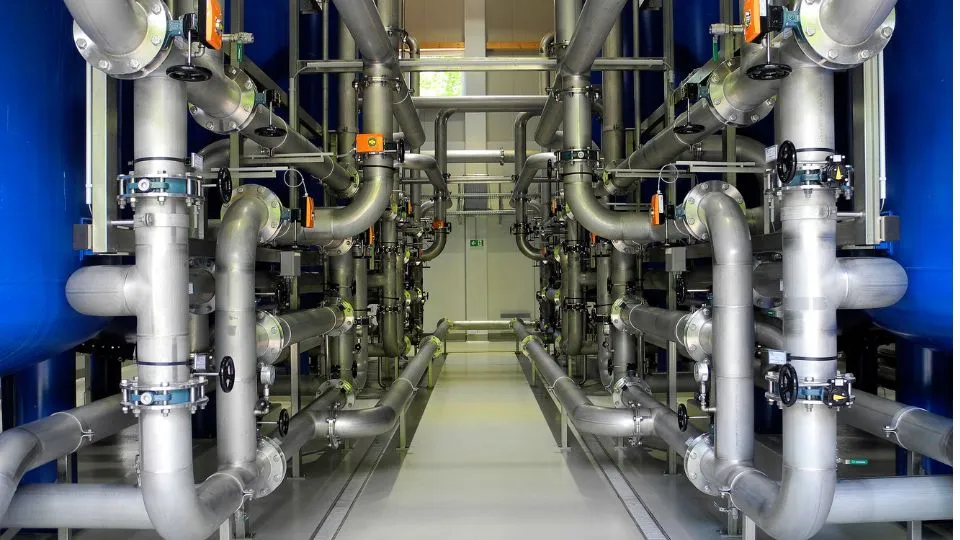
Preventive maintenance CMMS for water and wastewater: piping and valves in a treatment plant.

Preventive Maintenance CMMS for Water & Wastewater

A preventive maintenance CMMS helps operators cut downtime. With Antero CMMS, plan and schedule work orders, track assets and parts, and run clear reports—so nothing gets missed and equipment stays online.

Subscribe to receive AllMax Software company news and industry insights directly in your mailbox.